Use the Global Settings page to manage access and organization across your channel workspace and its descendant workspaces. This includes setting up MSP admin users and MSP roles, and labeling workspaces for easier management.
To access Global Settings:
Select Global view:

From the sidebar, select Global Settings.
Global Settings contains the following options, separated into Management and Workspaces:
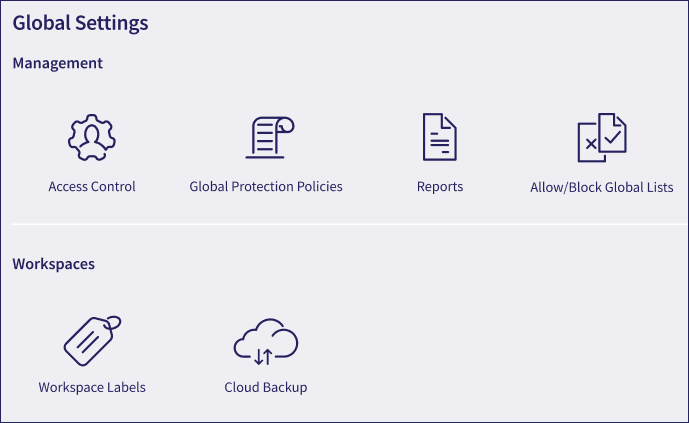
Select an option to access the page for that component.
Manage who can access Coro at the MSP level and what permissions they have. See MSP admin users and MSP roles.
Create and manage global protection policies across multiple workspaces. See Protection policies.
Export data from channel and descendant workspaces in CSV format. See Exports.
Create and manage global allowlists and blocklists for EDR, Email Security, and Endpoint Security. See Global allowlists and blocklist.
Use workspace labels to organize child workspaces. See Workspace labels.
Applicable only to Coro Cloud Backup module subscribers.
Create and manage your Cloud Backup account, and enroll your customer workspaces in Cloud Backup protection. See Cloud Backup.