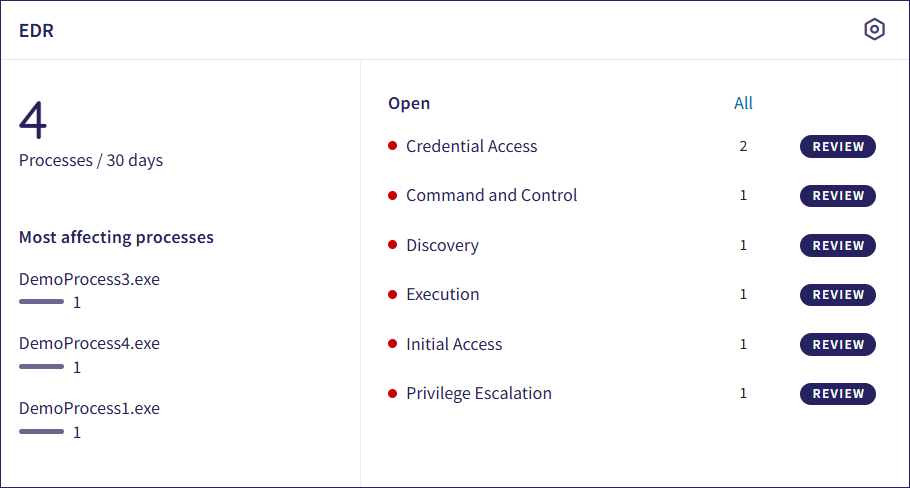
Coro Endpoint Detection and Response (EDR) scans endpoint devices for malicious processes and both malicious and potentially malicious behaviors of processes. A summary of malicious process activity is shown in the EDR dashboard panel:
Select the Control Panel option in the top-right of the panel to access the EDR Processes page.
The left pane shows:
The total number of processes scanned in the last 30 days.
A list of malicious processes ranked by the number of affected devices, in descending order.
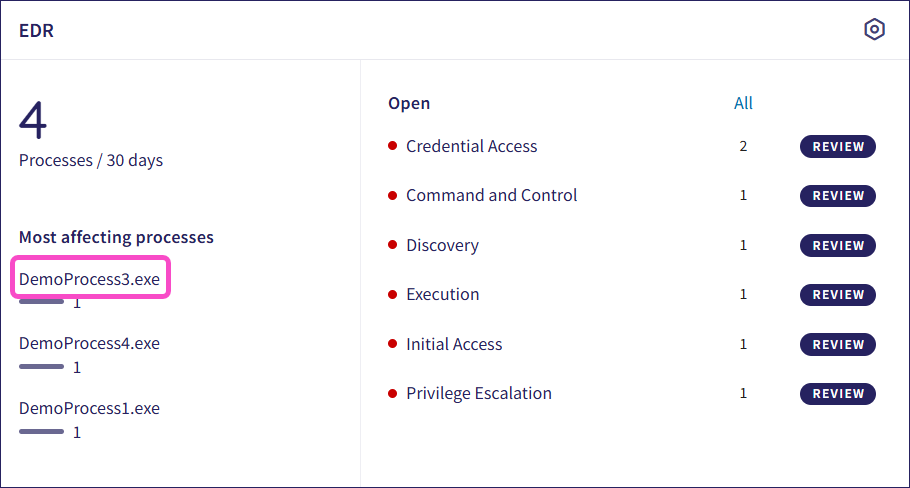
Select the process name to view all associated tickets in the Ticket Log:
The right pane shows:
The number of currently open EDR tickets, listed by category.
REVIEW buttons to view and respond to open tickets of a specific category.
All links to enable you to view all tickets of the specified type.
See also: