Workspace subscriptions determine which modules are enabled in the Coro console:
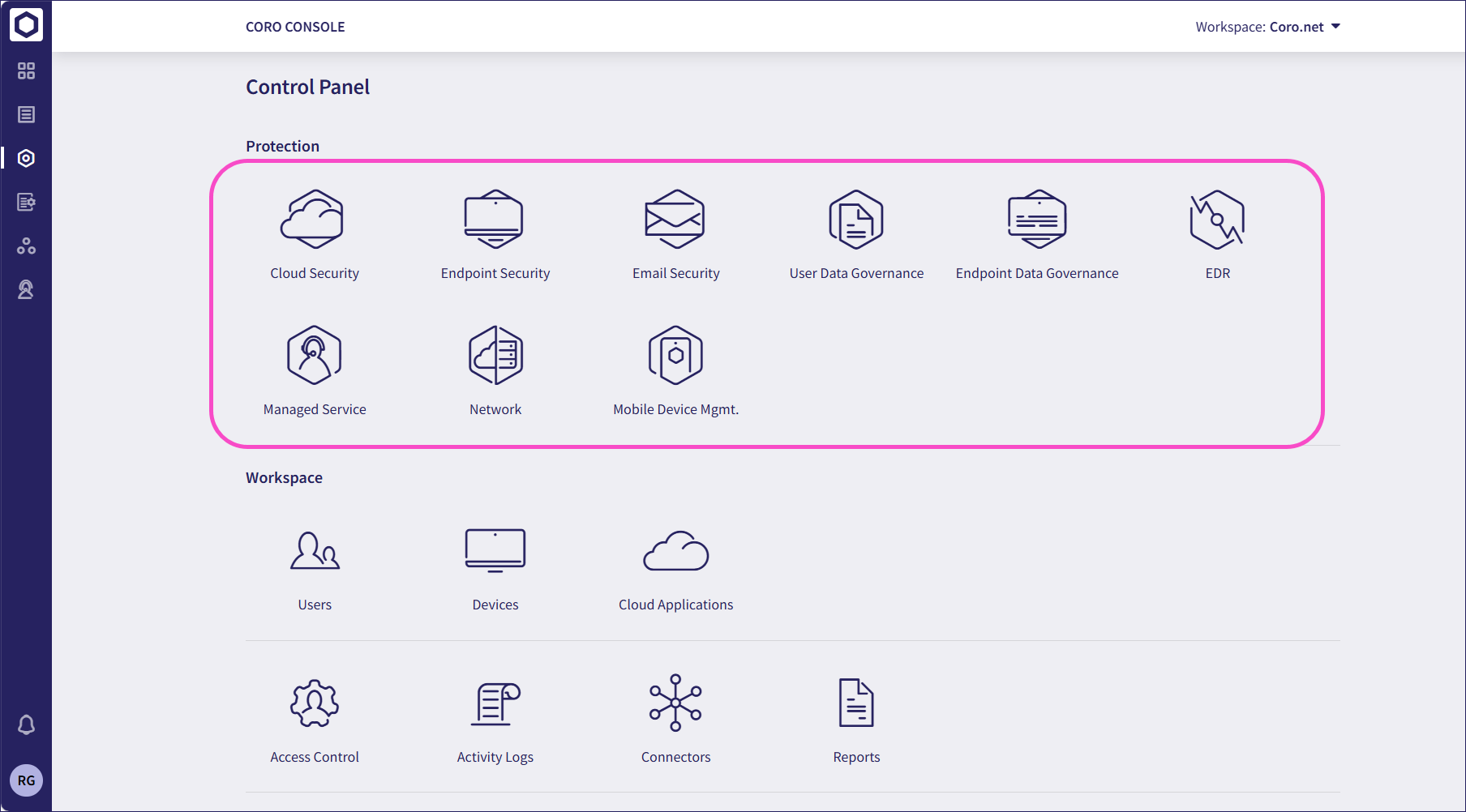
Managed Service Provider (MSP) admin users with sufficient permissions create and manage subscriptions for their descendant workspaces by assigning:
Modules and add-ons: Individual cybersecurity features, for example, Email Security. You can assign specific modules and add-ons to include in a subscription without selecting a predefined bundle.
Bundles: Predefined sets of modules and add-ons related to a particular security domain, for example, Coro AI Endpoint. Bundles are treated as a single selectable option in subscriptions - you cannot separate them into their constituent parts.
MSP admin users can configure a channel workspace with subscription rules containing the bundles and standalone modules/add-ons you want to allow in subscriptions for all new descendant child and subchannel workspaces. Then, when you create a new descendant workspace, you select any or all of the bundles and modules available as part of the rules.
Subchannel workspaces inherit the subscription rules from their parent workspace, and MSP admin users can remove unwanted bundles or standalone modules to create a subset of available options as the subscription rules for the subchannel.
Modules and bundles cannot be added to a subscription unless they are specified explictly within the rules of the parent workspace.
Changing bundle or modules lists can impact the subscription price.
For information on adding a subscription to a workspace, see Creating workspaces.
For information on editing workspace subscriptions, see Editing workspace subscriptions.
MSP admin users can edit the subscription rules of a channel workspace to control which bundles and modules are allowed in the subscriptions for descendant workspaces. The workspace might be a top-level, or root, workspace, or a subchannel workspace created under a parent.
The options you set here define what descendant workspaces can access. Rules for top-level channel workspaces can be based on all available Coro bundles and modules, whereas subchannel workspaces inherit the allowed bundles and modules from their parent (channel) workspace. MSP admin users can then customize this list for each subchannel.
To edit a workspace's subscription rules:
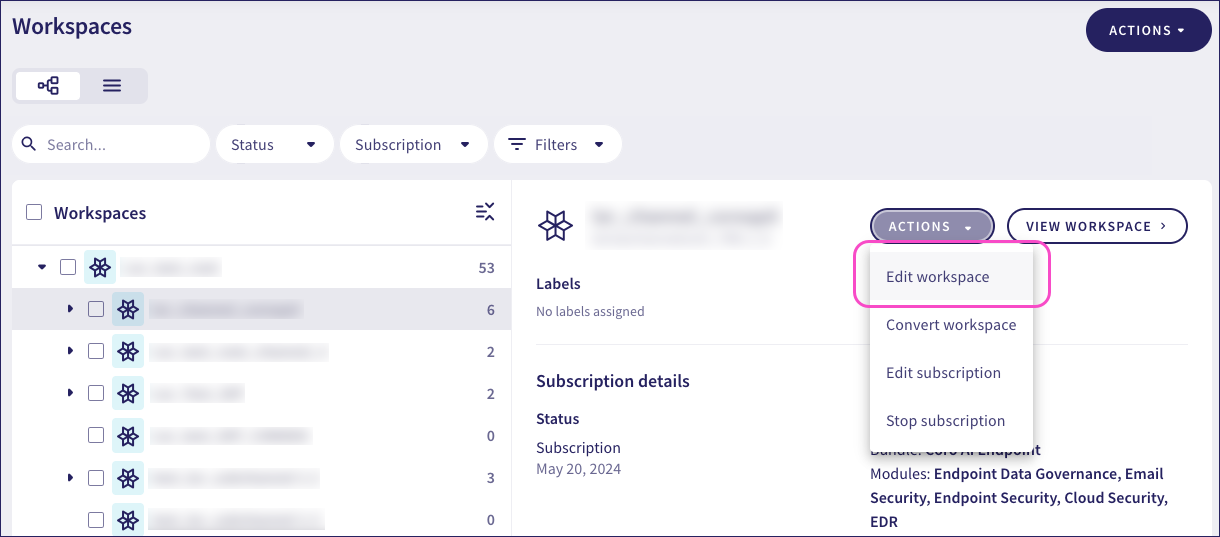
Select ACTIONS > Edit workspace for the relevant workspace:
In the Subscription rules tab:
Bundles and modules allowed from the parent workspace are selected by default. Unselect any bundles or modules to not allow them in the subchannel workspace and its descendant workspaces.
Bundles and modules not allowed from the parent workspace are greyed out. They cannot be added to workspace subscription rules.
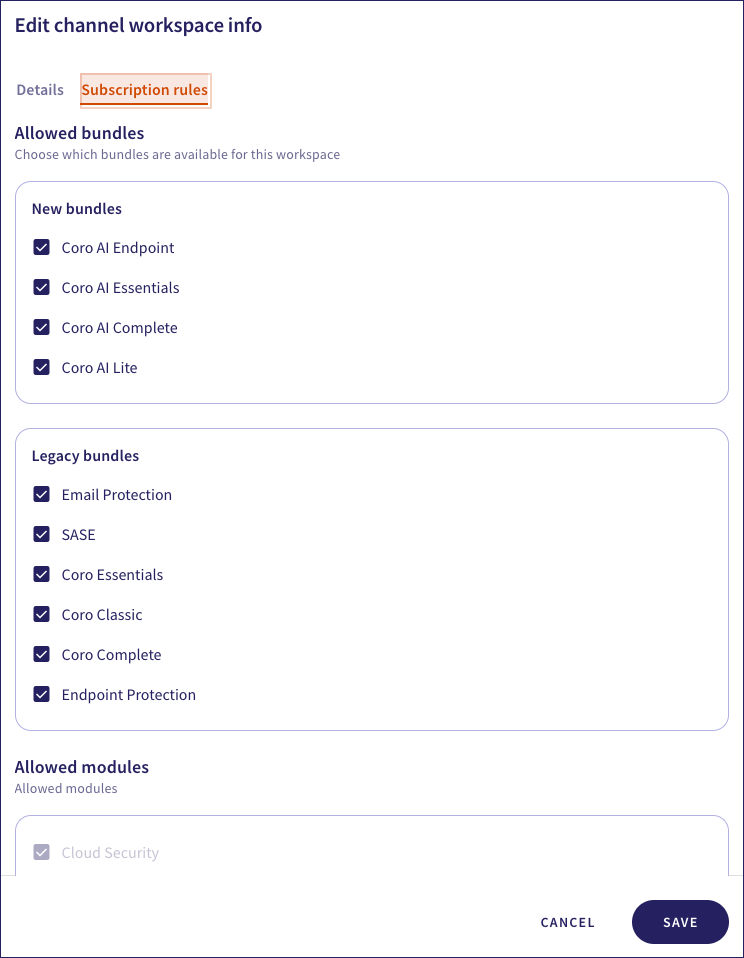
Select SAVE.