Coro's Security Awareness Training module enables admin users to enroll protected users in a training plan to improve understanding of common security threats. The standard plan comprises phishing simulation emails to test user awareness and targeted training courses to educate users on best-practice cyber awareness and security advice.
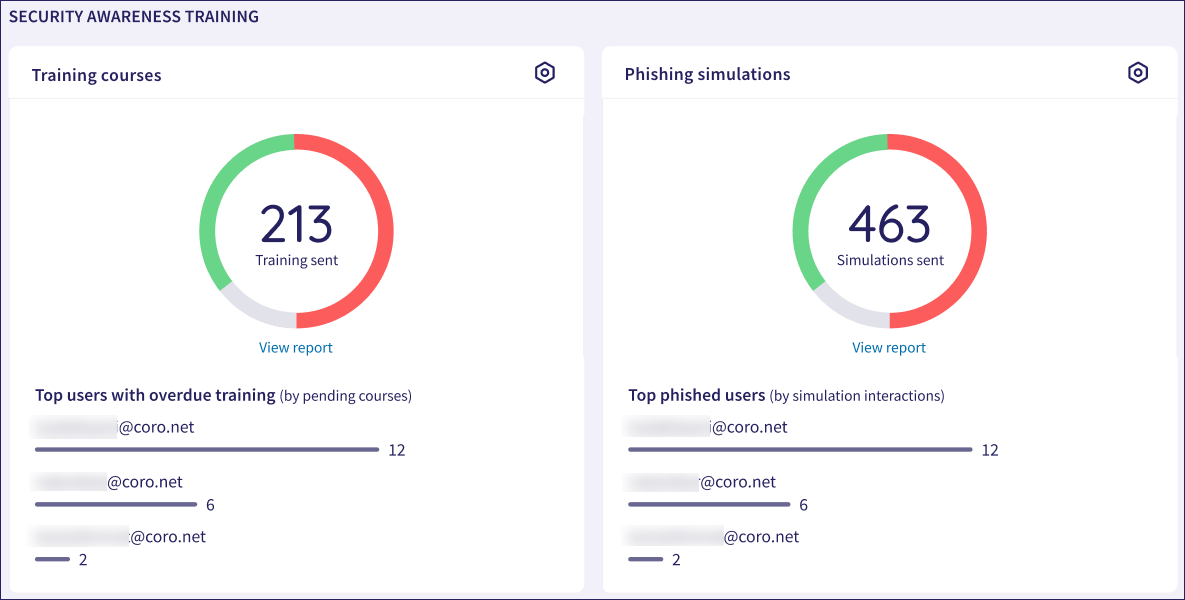
A summary of simulation and training activity is shown in the Security Awareness Training dashboard panel:
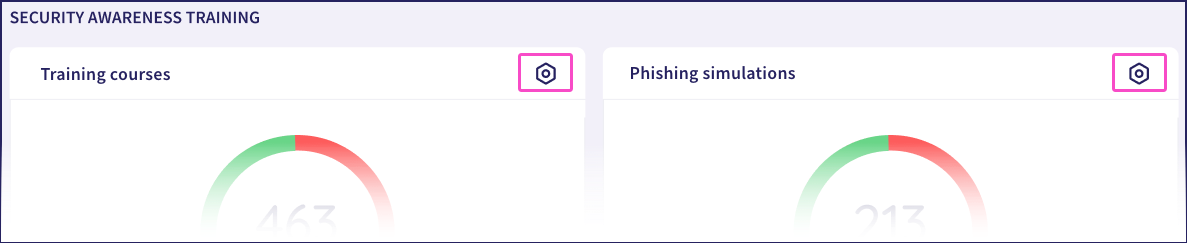
Select the Control Panel link in each panel to access the relevant tab in the Security Awareness Training configuration page:
The Training courses panel shows:
A counter and pie chart representing the total number of training course enrollment invitations sent to users in the last 90 days.
Select a segment of the chart to access a detailed view of users in each category:
Red represents users with overdue training (training not completed within the designated timeframe).
Green represents users having completed the required training on time.
Grey represents users having not yet completed the required training (but with time remaining to do so).
Top users with overdue training: A list of the users who have the most overdue training courses.
The Phishing simulations panel shows:
A counter and pie chart representing the total number of simulation emails sent in the last 90 days.
Select a segment of the chart to access a detailed view of users in each category:
Red represents users having failed the simulation. That is, having interacted with the email by selecting links or other items.
Green represents users having taken no action for a received simulation email.
Blue represents users having reported the simulation email as phishing.
Top phished users: A list of the users who had the most interactions with phishing simulation emails.
For both charts, select View report to see a report containing users in all categories.
See also: