Coro Network and SWG use the region selected during activation. Admin users with sufficient permission can change the region and assigned IP subnet from the Network Settings page. Your region should be close to your physical location to help improve speed and performance.
Admin users can also use this feature to recreate the Virtual Office network in the same region, either to modify the subnet or to obtain the latest software updates.
When you make changes on this page, your Virtual Office network can be unavailable for up to 30 minutes while the server is recreated.
To change your region:
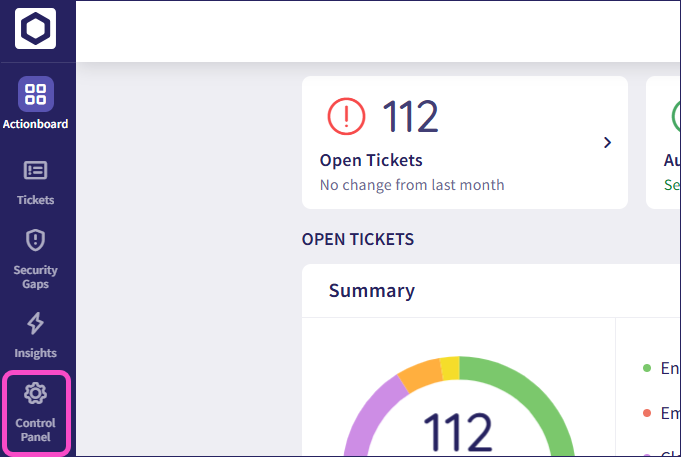
From the sidebar, select Control Panel:
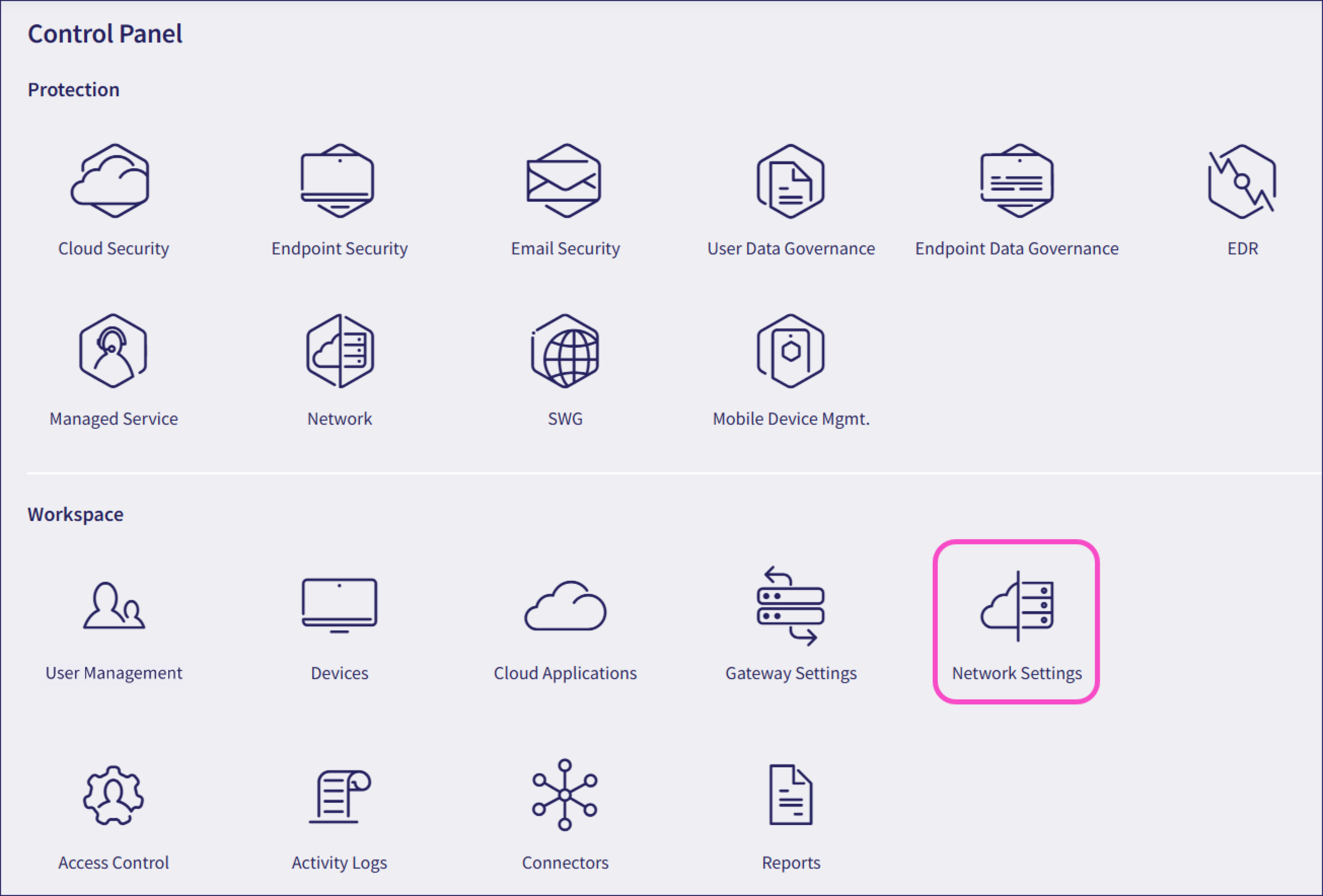
Select Network Settings:
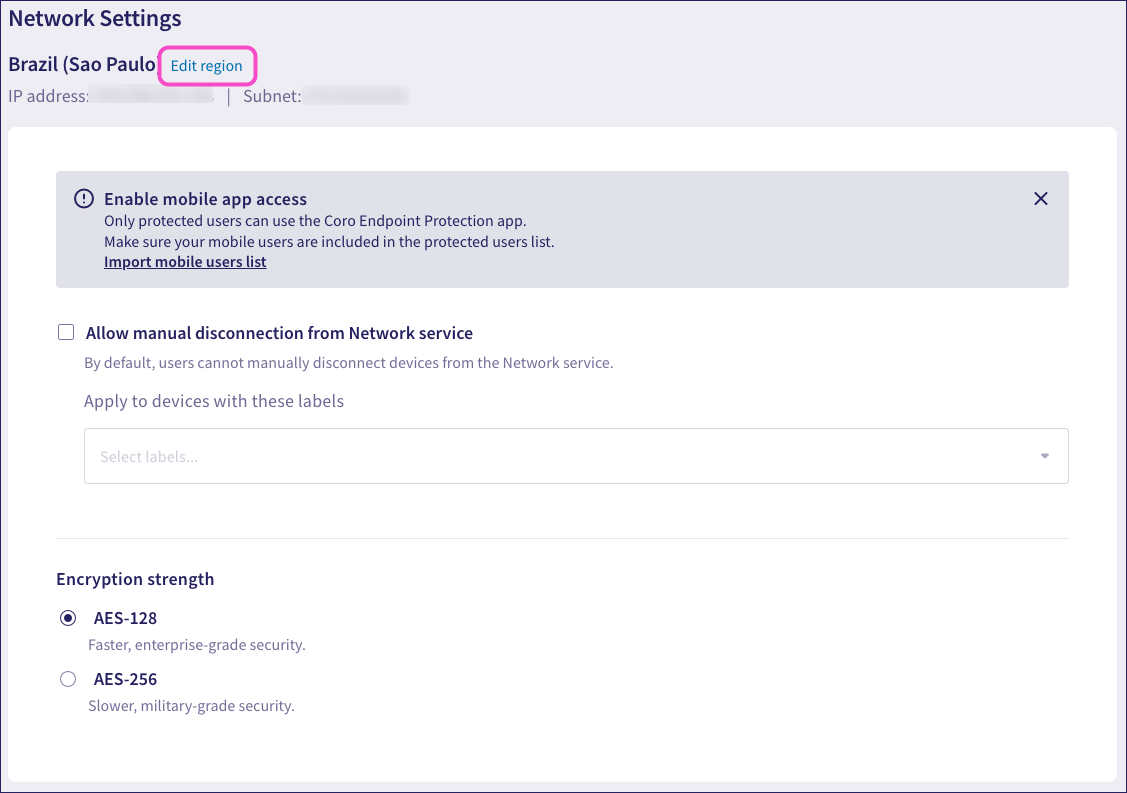
Select Edit region:
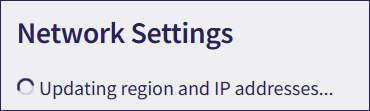
If Coro displays Updating region and IP addresses… instead of the region, IP address, and Edit region option, make sure the Network service has been activated.
Coro displays the Edit your Virtual Office region dialog:
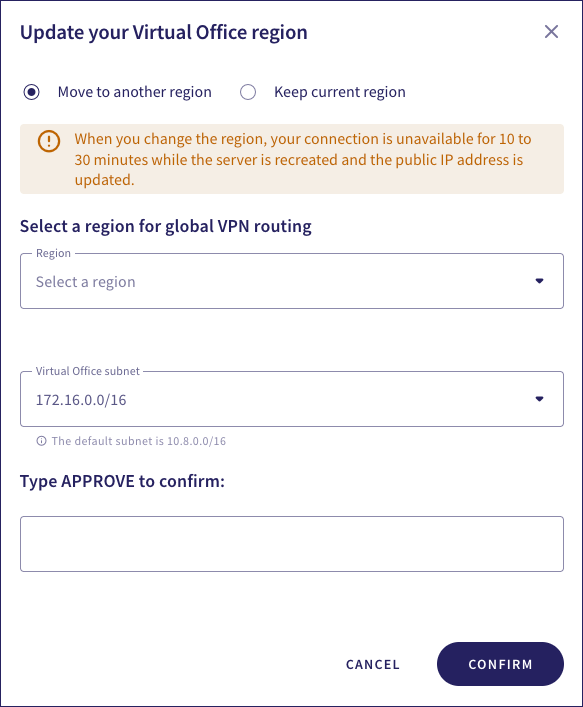
Select one of the following options:
Move to another region: Use this to move your Virtual Office to another region. Be aware that your VPN connections may be unnavailable for a short period during the move.
Select a new region and, optionally, a new IP subnet for your VPN connections.
Keep current region: Use this to reestablish the Virtual Office in the same region, optionally using the same public IP address.
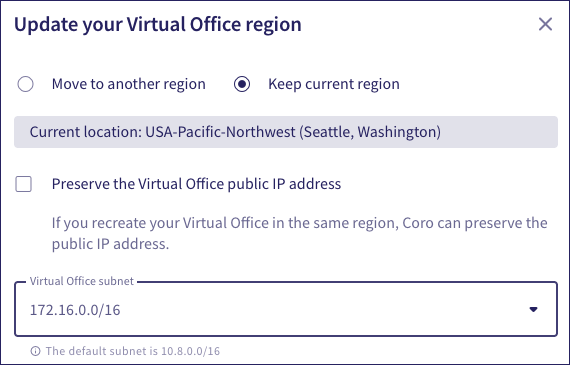
Select a different subnet if required. Select Preserve the Virtual Office public IP address to instruct Coro to recreate the Virtual Office with the same public IP address.
Enter APPROVE, and then select CONFIRM.
Your connection may be unavailable while Coro recreates the server and updates the public IP address.