The EDR Settings page allows you to enable or disable Endpoint Detection and Response (EDR) monitoring for your workspace.
Coro recommends keeping EDR enabled to ensure full protection. Disable it temporarily only when troubleshooting or resolving configuration issues.
To configure EDR settings for your workspace:
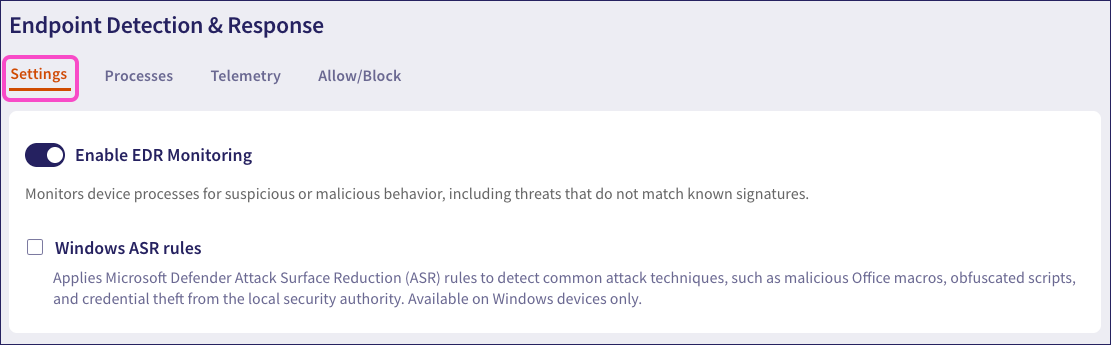
Select Settings:
Set Enable EDR Monitoring according to your requirements:
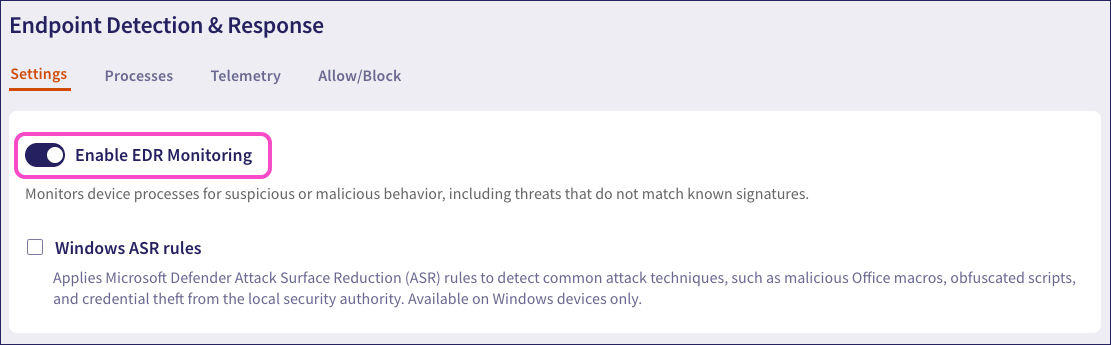
Enable EDR Monitoring is enabled by default.
This setting applies only to Windows devices and requires Enable EDR Monitoring to be enabled.
When enabled, Coro applies Microsoft Defender Attack Surface Reduction (ASR) rules to detect common attack techniques based on abuse of trusted applications such as Office, Adobe Reader, and Windows scripting mechanisms:
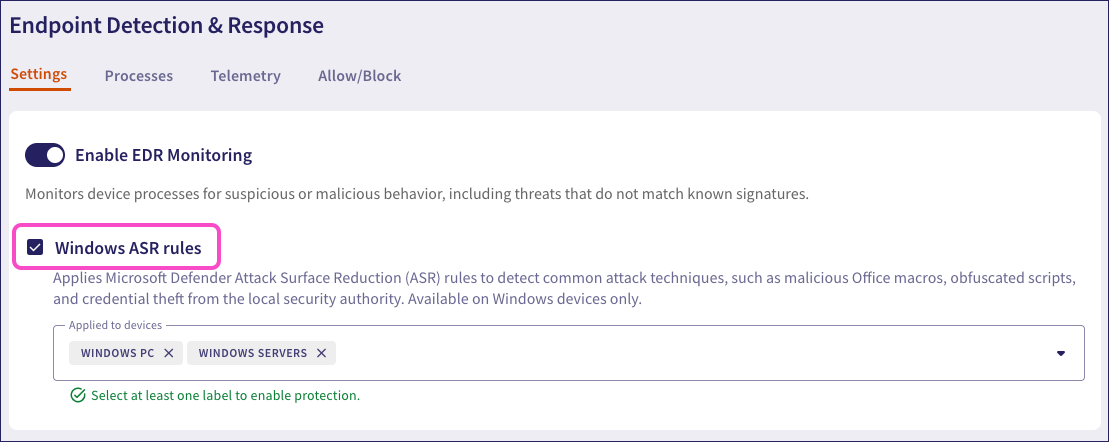
After you enable Windows ASR rules, add the labels for the device groups you want to apply this setting.
Through this protection, Coro can detect:
- Child process creation by Office apps to stop phishing-based payload delivery chains.
- Adobe Reader launching external processes, a common behavior in exploit chains that use malicious PDFs.
- Attempts to establish persistent access via WMI permanent event subscriptions.
- Office apps creating executable content.
Coro does not block detected instances of these attacks. If Coro detects one or more of these techniques, it raises an ASR Detection ticket for admin review.