Coro Endpoint Detection and Response (EDR) monitors endpoint devices for abnormal or malicious behavior beyond known malware signatures. It uses behavior-based detection and continuous monitoring to identify potential threats such as fileless malware or multi-stage attacks that might bypass traditional antivirus protection.
Coro EDR collects telemetry data from protected devices to detect suspicious activities, process anomalies, and indicators of compromise. Continuous monitoring provides real-time visibility into endpoint activity and enables you to investigate and respond to detected threats efficiently.
Use Coro EDR to:
Monitor device activity in real time: Detect and analyze potential threats as they occur.
Identify suspicious behavior: Use behavior-based analysis to recognize anomalies and evolving attack techniques.
Respond to incidents quickly: Automatically isolate or terminate malicious processes to reduce response time.
Protect devices: Prevent malware, ransomware, and other malicious activities from compromising devices.
Support investigations: View and download detailed telemetry data for threat analysis and reporting.
To access Coro EDR:
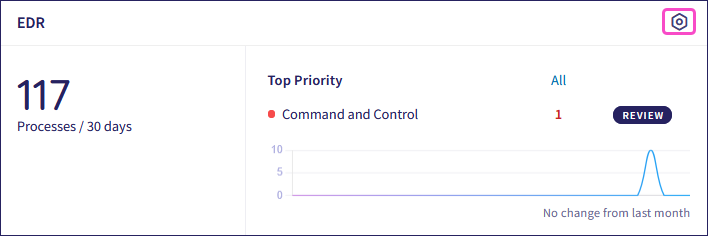
From the Actionboard, select Control Panel from the top of the EDR dashboard panel:
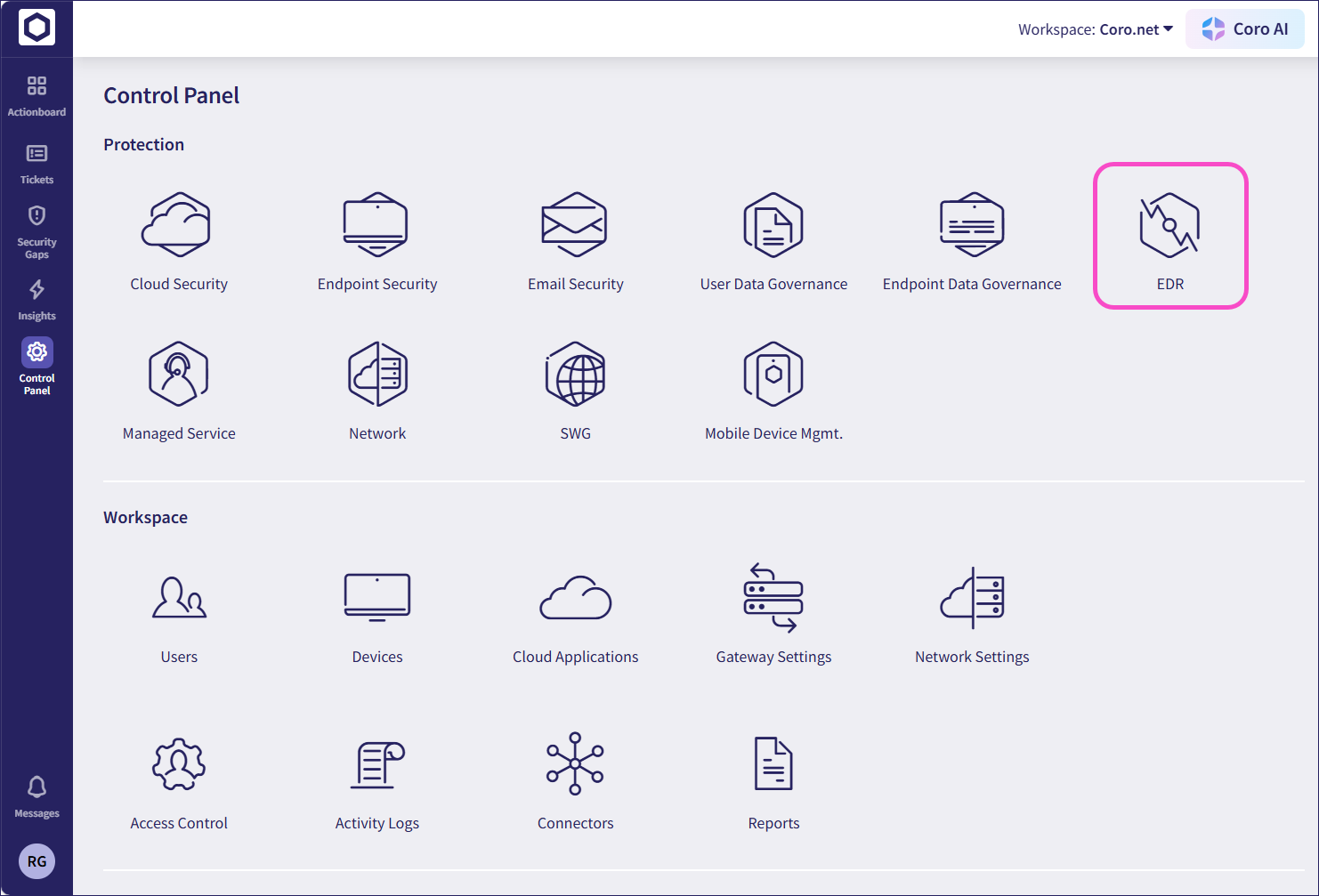
Alternatively, from the sidebar, select Control Panel > EDR: