Coro's Distribution portal enables distributors and resellers to manage the workspace subscriptions of their Coro customers.
Through the portal, you can:
- Manage the workspaces of your Coro customers, including starting or stopping customer subscriptions.
- Review workspace status and usage statistics.
- Review activity logs.
- Add administrative users (admin users) to help manage your customer portfolio.
The Distribution portal is a dedicated service for administrative users (admin users) of distributors and resellers to manage workspace subscriptions. To manage the security configuration for individual workspaces, sign in to the Coro console.
To sign in to the Coro Distribution portal for the first time, use the unique link in your welcome email. Select the link in the email to access the portal, then create a password for your account.
After your first time signing in, access the sign-in page by entering the URL from your organization's region into a web browser:
- US: https://distribution-portal.coro.net
- Canada: https://distribution-portal-ca.coro.net
- Germany/EU: https://distribution-portal-eu.coro.net
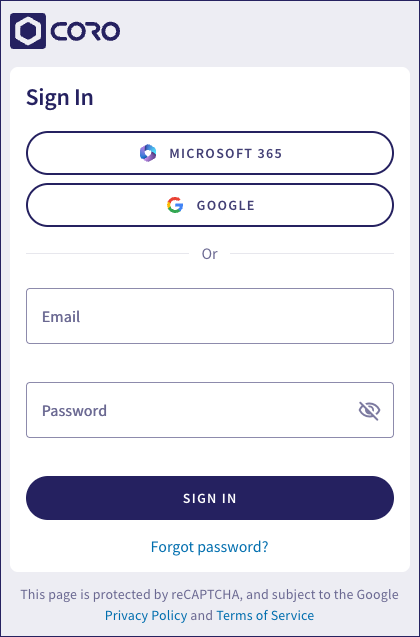
Coro provides the option to sign in to the portal using your business email address and password as credentials, or via single sign-on (SSO) through a connected Google Workspace or Microsoft 365 account. If you select Google or Microsoft 365, Coro prompts you to select an account and asks you to accept the required additional permissions.
Select Forgot password? to securely reset a forgotten account password.
To sign out of the portal, select Logout from your avatar in the sidebar.
Coro's Distribution portal is designed for distributors and resellers of the Coro cybersecurity platform.
As a Coro distributor, the portal provides access to manage your resellers and all of the end customer workspaces created for those resellers. As a Coro reseller, the portal provides access to manage your end customer workspaces.
Coro presents this structure as a hierarchy tree in the portal dashboard:
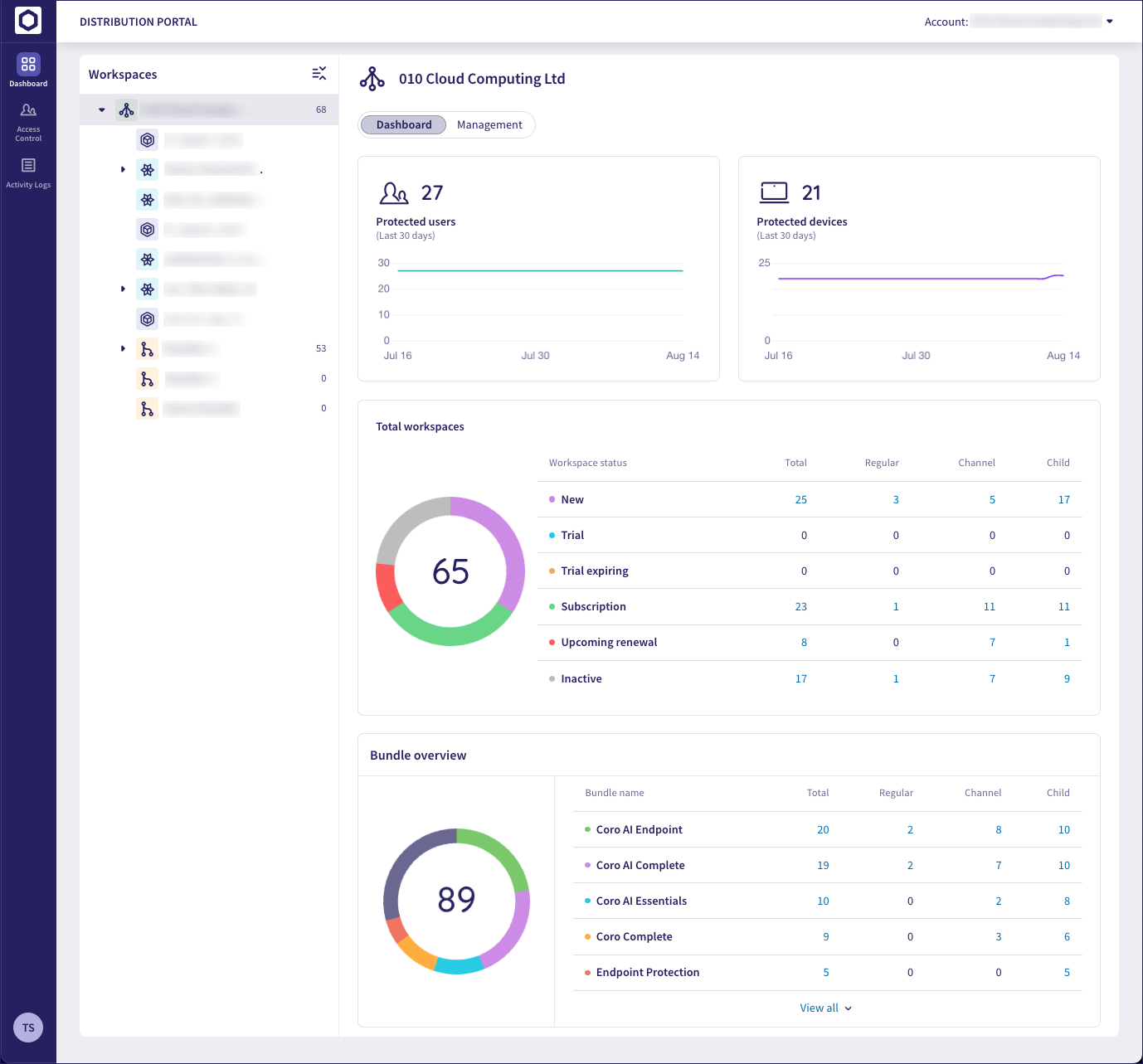
Entities in the workspace tree are represented by the following icons:
| Icon | Entity type |
|---|---|
 | Distributor |
 | Reseller |
 | Channel workspace (used by Resellers/Managed Service Providers (MSPs) for management of end customer workspaces) |
 | Child workspace (end customers of resellers and MSPs provisioned within a channel workspace) |
 | Regular workspace (standalone customer workspace not provisioned within a channel workspace) |
Admin users for distributors or resellers see only the customer workspaces and resellers in their portfolio. In other words, the admin user for a distributor might see the entire hierarchy of their resellers, and the customers of those resellers, from a top level. They can review and manage all workspaces for which the distributor has overall control. Admin users for resellers within the distributor's portfolio, however, only see the workspaces relating to their own customers.
Select the My Account link from your avatar in the sidebar to update your profile details:
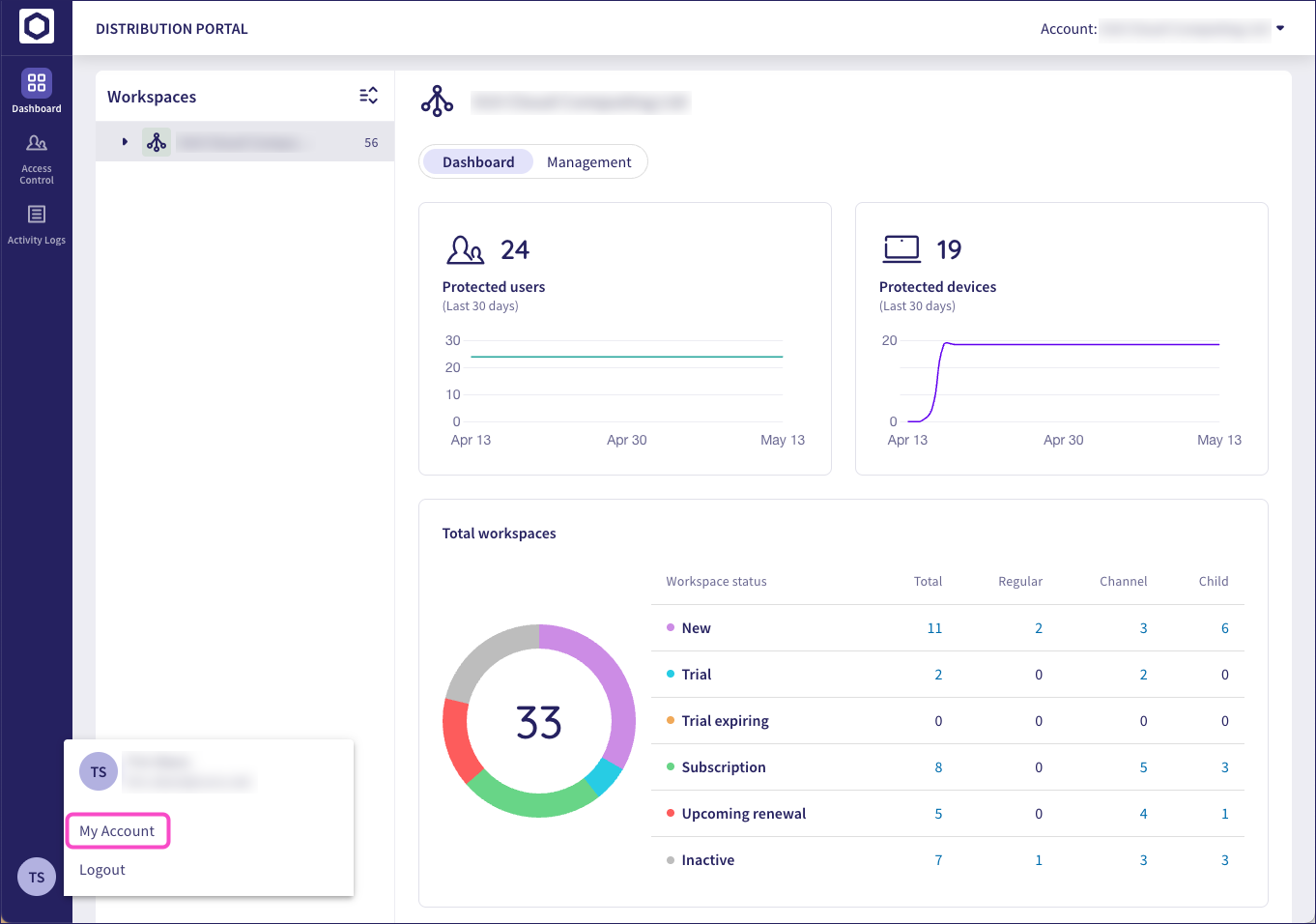
Use the profile page to update:
- Your display name
- Your password
- Your notification settings
You cannot update your email address.
Coro can optionally send a weekly reminder email to admin users containing a list of descendant workspaces that have a subscription expiring within 30 days, 60 days, and 90 days.
Enable this option through the Notifications section in your profile page:
Select your avatar in the sidebar.
Select My Account > Notifications.
Enable Weekly digest notifications for future subscription renewals (90/60/30 days):
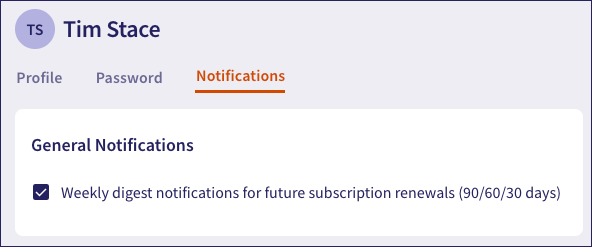
When enabled, Coro sends the following email message every Monday:
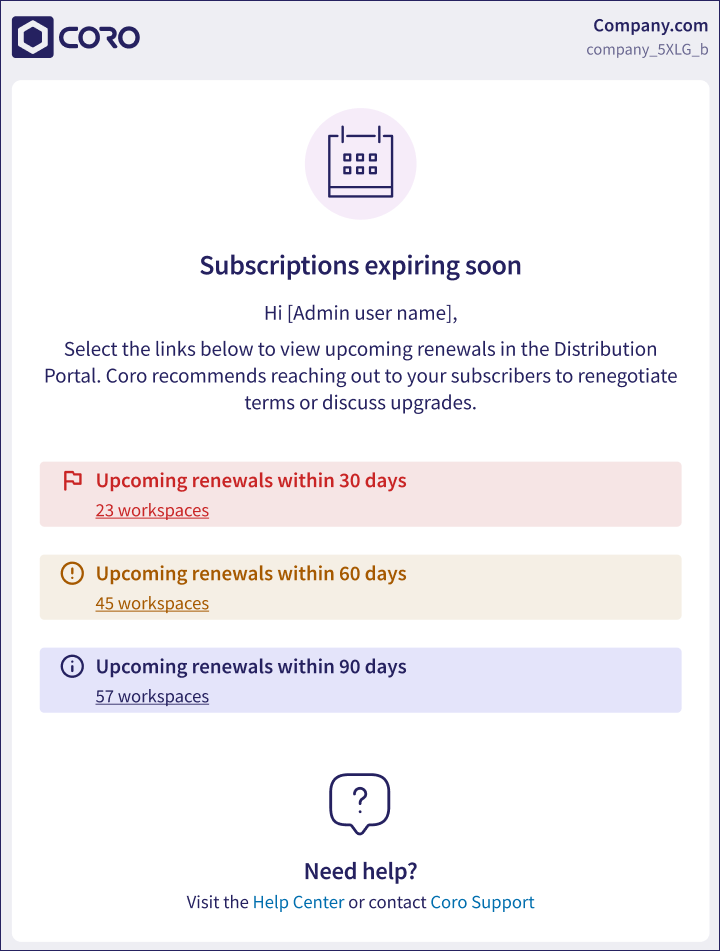
Select the links in the email to view all relevant workspaces in the portal dashboard.